If you're still using the old Universal Analytics, it's time to get to know Google Analytics 4 (GA4), Google's new standard for collecting user behaviour data across both websites and apps. Unlike the old version, which counted sessions first and foremost, GA4 counts everything as an “event,” from clicks and scrolling to purchases, giving you a much more detailed view of customer behaviour.
A changed data structure
GA4 is designed to be more flexible. It can combine web and app data in a single property and uses machine learning to make predictions, such as the likelihood that a customer will purchase again or churn. The most important thing to set up from the start is conversion events that match your real business goals, not just pageviews.
How to get started without getting lost
For SMEs, we recommend starting with Enhanced Measurement, which is already switched on automatically, then adding custom events as needed, such as clicks on contact buttons or file downloads, and linking GA4 with Google Ads to measure campaigns more accurately.

Connect it with other tools for a complete setup
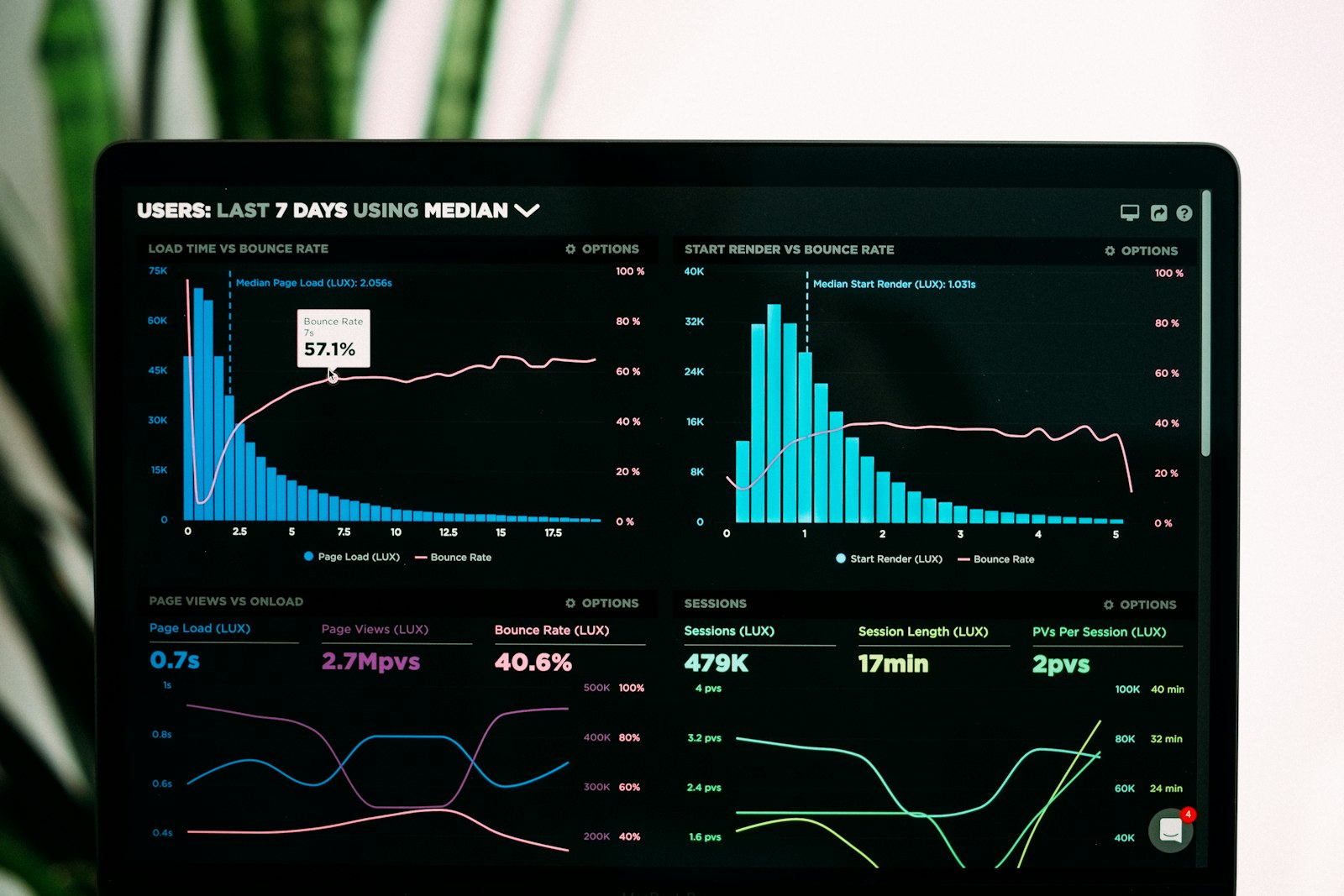
Once GA4 is working correctly, connect it to Google Tag Manager to manage tags and events more easily without editing your website code every time, and to Looker Studio to build summary dashboards the marketing team can check themselves in real time, without waiting for IT to pull reports every week.